On This Page
Get Invoice Settings
You can retrieve the invoice settings for your payment page by sending a get invoice
request.
Endpoints
Send the API request to one of these endpoints:
Production:
GET
https://api.visaacceptance.com
/invoicing/v2/invoiceSettings?productType=INVOICINGTest:
GET
https://apitest.visaacceptance.com
/invoicing/v2/invoiceSettings?productType=INVOICINGSuccessful Response
A successful request is indicated by a response message that includes this information:
- Logo
- Business name
- Customized email message
- Email reminder indicator
- Color and font of the invoice
- Language used in the invoice
- Currency of the invoiced amount
- Payer authentication enablement indicator
- VAT value and visibility
- Customer data saved indicator (shipping address, phone number, or email)
- Custom labels
- Redirect URLs
- Merchant information
Example: Get Invoice Settings
Endpoint
GEThttps://api.visaacceptance.com/invoicing/v2/invoiceSettings
Request
{}
Response to a Successful Request
{
  "submitTimeUtc": "2026-02-03T20:48:27.917947446Z",
  "invoiceSettingsInformation": {
    "merchantLogo": "data:image/JPEG;base64,/9j/4AWFhYW",
    "merchantDisplayName": "Custom Merchant Display Name",
    "customEmailMessage": "Custom merchant email message",
    "enableReminders": true,
    "headerStyle": {
      "fontColor": "#000001",
      "backgroundColor": "#FFFFFF"
    },
    "deliveryLanguage": "en-US",
    "defaultCurrencyCode": "USD",
    "payerAuthentication3DSVersion": "True",
    "showVatNumber": false,
    "phoneNumber": false,
    "shipTo": false,
    "email": true,
    "enableMerchantEmailNotifications": false,
    "customLabels": [
      {
        "key": "billTo",
        "value": "Payee name"
      }
    ],
    "customRedirectUrls": {
      "paymentAccepted": "https://example.com/success",
      "paymentRejected": "https://example.com/fail",
      "paymentPending": "https://example.com/pending"
    }
  },
  "merchantInformation": {
    "name": "API Ref Sandbox",
    "phone": "4251231234",
    "addressDetails": {
      "address1": "123 Main St",
      "city": "Bellevue",
      "state": "WA",
      "country": "us",
      "postalCode": "98005"
    }
  }
}
REST Interactive Example: Get Invoice Settings
Click this image to access the interactive code example for updating invoice settings.
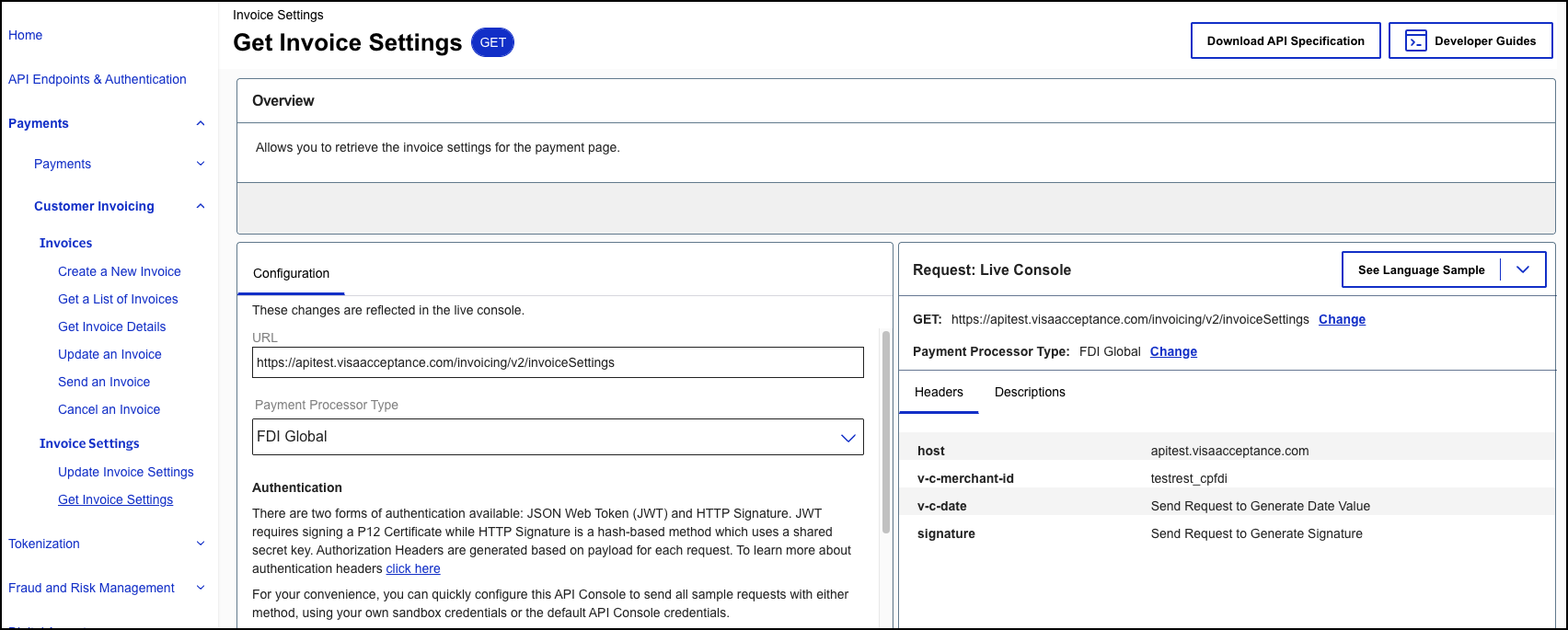
Figure:
Update Invoice Settings in the Developer Center Sandbox